Templates that cut 80–90% of manual entries – fields, units, batches, and inventory linkage

Journal templates in Agdir – task-driven documentation
Templates in Agdir are directly tied to tasks. When a task is completed, the journal is automatically populated with the fields defined in the template. Inventory usage is deducted at the same time. This eliminates double entry and ensures documentation happens during work – not afterward.
How to build a solid template – step by step
1) Minimum fields per operation
Spraying: product, rate, nozzle/pressure (optional), area, field, date/time, operator, weather context (automatic).
Fertilization: type, amount, field, date/time, split dose (yes/no), weather context.
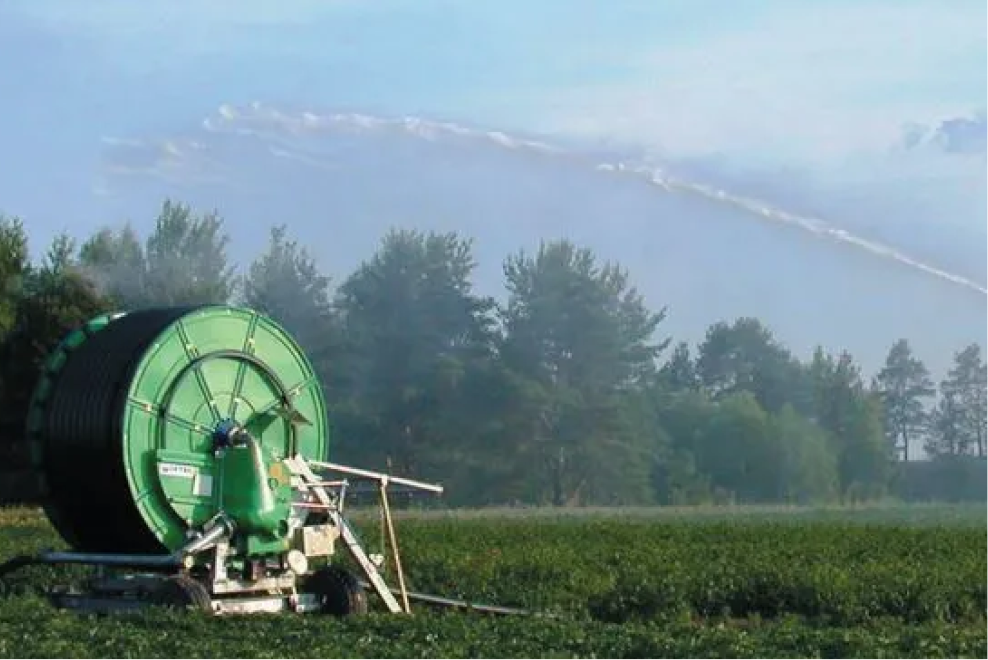
Irrigation: volume/duration, field, date/time, degree days (automatic), sensor observations (optional).
2) Units and default values
Lock units (L, kg, ha) and add typical default values. The operator only adjusts deviations. Less free text = fewer mistakes.
3) Batch/lot and inventory linkage
Enable batch tracking when needed (especially for crop protection products). Link the product to its inventory item.
When saving, the system automatically deducts usage – keeping stock levels and traceability up to date.
4) Checklist in the task
Add checkpoints (inventory check, buffer zones, nozzle plan) directly to the task using the template. This ensures correct practice before execution.
Data quality in practice – less noise, more value
Minimize free text: use structured fields and dropdowns.
Use consistent naming across templates: “dose_L/ha” – not “liters per hectare” in one and “L/ha” in another.
Review and update templates weekly – integrate learning continuously, not just in discussions.
Summary
Good templates are the secret to efficient journal logging. Build standardized templates for spraying, fertilization, and irrigation, lock units, and connect inventory. Use them within tasks – and let documentation happen automatically as the job gets done.
Set up your three key templates in Agdir today and test the workflow in the field – the difference in speed and data quality will be clear immediately.